
HardwareNews
Apple’s touchscreen MacBook Pro is real. The software transition is the story.
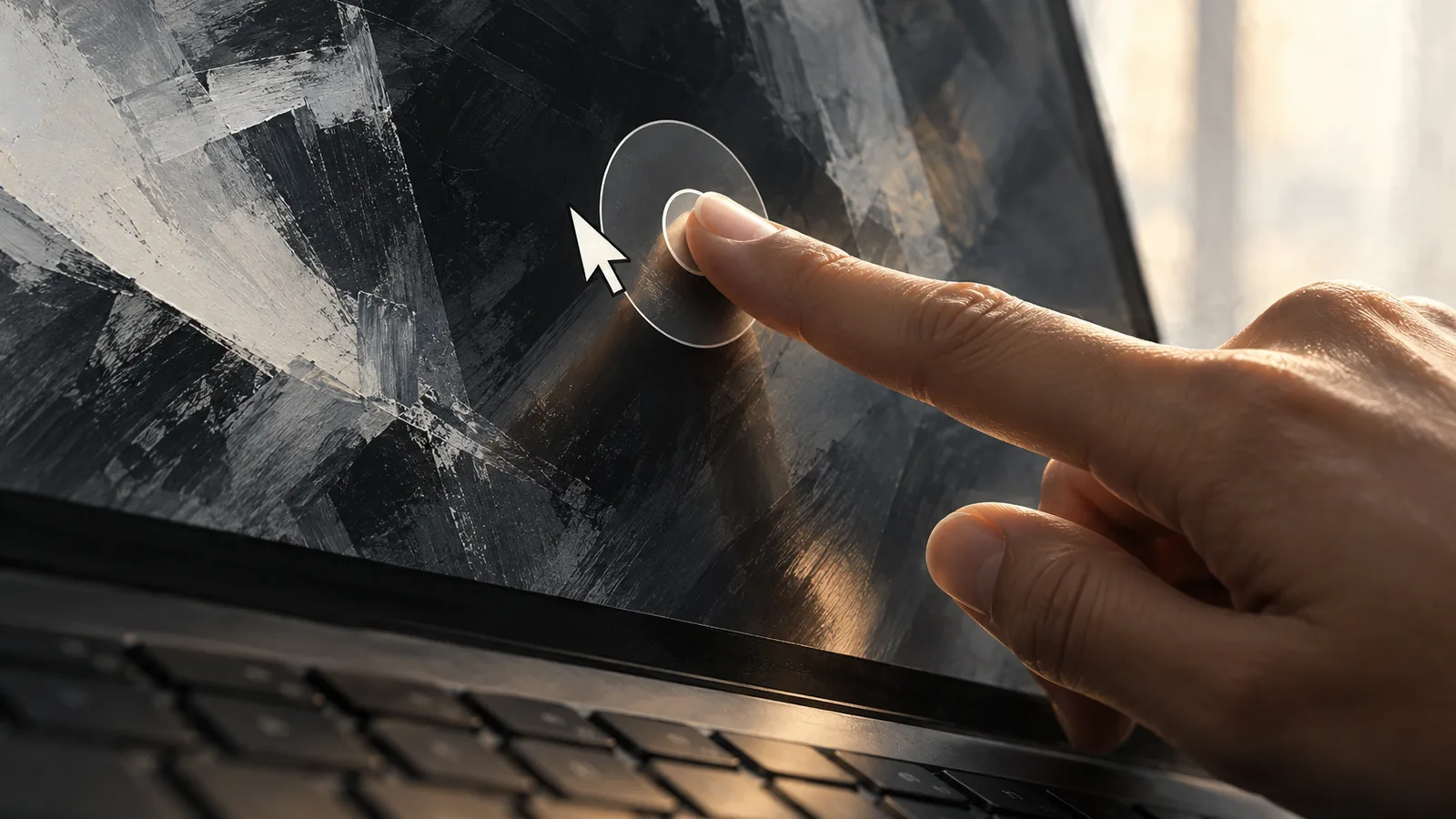
Apple has announced its first touchscreen MacBook Pro. The important distinction is between an app accepting a tap and an app becoming genuinely easier to use with fingers.
What Apple announced
Apple announced a MacBook Pro with a touchscreen on 28 October. The company says its new 14- and 16-inch PROLED XDR models use tandem OLED displays and M5 Pro or M5 Max chips. Pre-orders opened on announcement day, with availability scheduled to begin on 6 November. Those dates describe Apple’s announced rollout, not a device SIGNAL has received or tested.
The hardware announcement gives developers a new problem to solve: a Mac app may now be operated with fingers as well as a pointer and keyboard. Apple says macOS translates touches into clicks, so many existing apps can respond without a dedicated rewrite. That is a starting point, rather than evidence that every interface is already well suited to touch.
SIGNAL has not used the new computer. This article examines the announcement and Apple’s developer guidance, with the practical implications identified as analysis. It is not a review, performance comparison or buying recommendation.
A tap is not simply a larger cursor
SIGNAL analysis: consider a hypothetical video editor with a narrow timeline and several tiny handles. A mouse can place a pointer precisely on one handle. A fingertip covers a larger area and can obscure the detail someone wants to adjust. Treating a tap as a click may make the action possible without making it comfortable.
There is also the question of discovery. Desktop interfaces sometimes reveal an action only when a pointer rests over an item. A person reaching directly for the screen needs another way to find that action. This is an interface-design issue, not a reason to assume that every existing application will fail.
Apple’s Design for touch on Mac session explicitly covers touch targets, maintaining pointer and keyboard usability, adapting hover interactions, and expanding controls such as sliders and dials. These topics show where the software work lies. They do not establish how consistently third-party applications will implement it.
The opportunity is choosing the right input
SIGNAL analysis: the useful question is often which input suits a particular moment. Someone might type a paragraph with the keyboard, move through a document with the trackpad, then touch the screen to adjust an object directly. These are illustrative workflows, not results from SIGNAL testing.
A successful implementation would allow those changes without making the person think about a separate operating mode. It should also preserve an efficient route for people who prefer not to reach across a desk. A new input option is most useful when it expands choice rather than requiring everyone to adopt it.
This matters beyond creative software. Small controls, menus and discoverability affect ordinary document work too. At the same time, a list of supported interactions cannot settle questions about comfort during a long session. That requires observation with real tasks and users, including people with different motor abilities and working positions.
The developer rollout is still part of the story
Apple’s developer hub links three sessions: designing for Touch on Mac, bringing touch to an app, and bringing Live Activities to Mac. It also lists online group labs for 18 and 19 November. At the time of checking, the hub marked Xcode 27.3 beta as coming soon. The existence of a resource page should not be confused with every listed tool already being downloadable.
Apple’s design updates page dates its new macOS touch guidance to 28 October. Together, these resources confirm that the software transition is an active part of the launch, not merely an interpretation based on the hardware photograph.
SIGNAL analysis: developers need enough time to evaluate their own interfaces. Accepting basic touch events and designing a polished mixed-input workflow are different milestones. Readers should check the specific app and version they rely on rather than assume the presence of a touchscreen guarantees the same experience everywhere.
What the announcement cannot prove
The sources checked here are Apple’s own announcement and developer materials. They establish what Apple has announced and what it is asking developers to consider. They do not supply independent measurements of touch accuracy, app reliability, sustained display behaviour or everyday comfort.
SIGNAL analysis: claims about a better workflow need a defined task and comparison. Did the person finish the edit more easily? Could they still find all the controls? Did touch improve a particular action, or merely add another way to perform it? An impressive demonstration may help illustrate a possibility, but it does not answer those questions across different applications.
It is equally premature to conclude that every Mac user needs this feature. Someone whose work is already efficient with a keyboard and pointer may gain little. Someone manipulating visual objects may see more value. These are questions to assess in use, not conclusions established by a launch announcement.
What to watch next
The next useful evidence is the announced retail arrival, the actual availability of developer tools, and specific app updates explaining what changes for touch users. Independent testing should examine both touch interactions and the existing keyboard-and-pointer experience.
For now, Apple has made a clear hardware announcement and begun publishing the software guidance around it. The consequential change is the new input choice. Whether that choice becomes a dependable advantage will be decided in the applications people use, not by the presence of a touch sensor alone.
Original sources
- apple.comApple — October28 MacBook Pro announcement
- developer.apple.comApple Developer — Get ready for Touch on Mac
- developer.apple.comApple Developer — Design for touch on Mac
- developer.apple.comApple Developer — design guidance changes dated October28
Sources checked 29 October 2026. Send a correction.